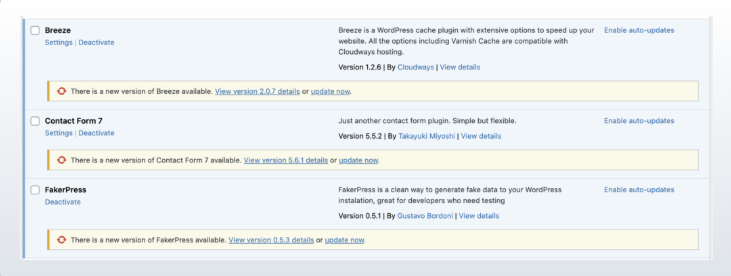
This setup disables automatic WordPress core updates and prevents update notifications for selected plugins, giving full control over when and how updates are applied.
Step 1: Disable Core Auto Updates
-
Open
wp-config.php -
Add the code before
/* That's all, stop editing! */
Step 2: Disable Plugin & Theme Auto Updates (Dashboard)
-
Go to Plugins → Installed Plugins
-
Click Disable auto-updates for required plugins
-
Do the same under Appearance → Themes
Step 3: Disable Updates for Specific Plugins (Code Method)
-
Open
functions.php(theme or child theme) -
Add the following code:
Step 4: Verify
-
Go to Dashboard → Updates
-
Elementor update notifications will no longer appear