This process ensures that all plugins, themes, and the WordPress core are compatible with the current PHP and WordPress versions to avoid errors, conflicts, and performance issues.
PHP Compatibility Check (Plugins, Theme, WordPress)
Step 1: Check Current PHP Version
-
Login to WordPress Admin
-
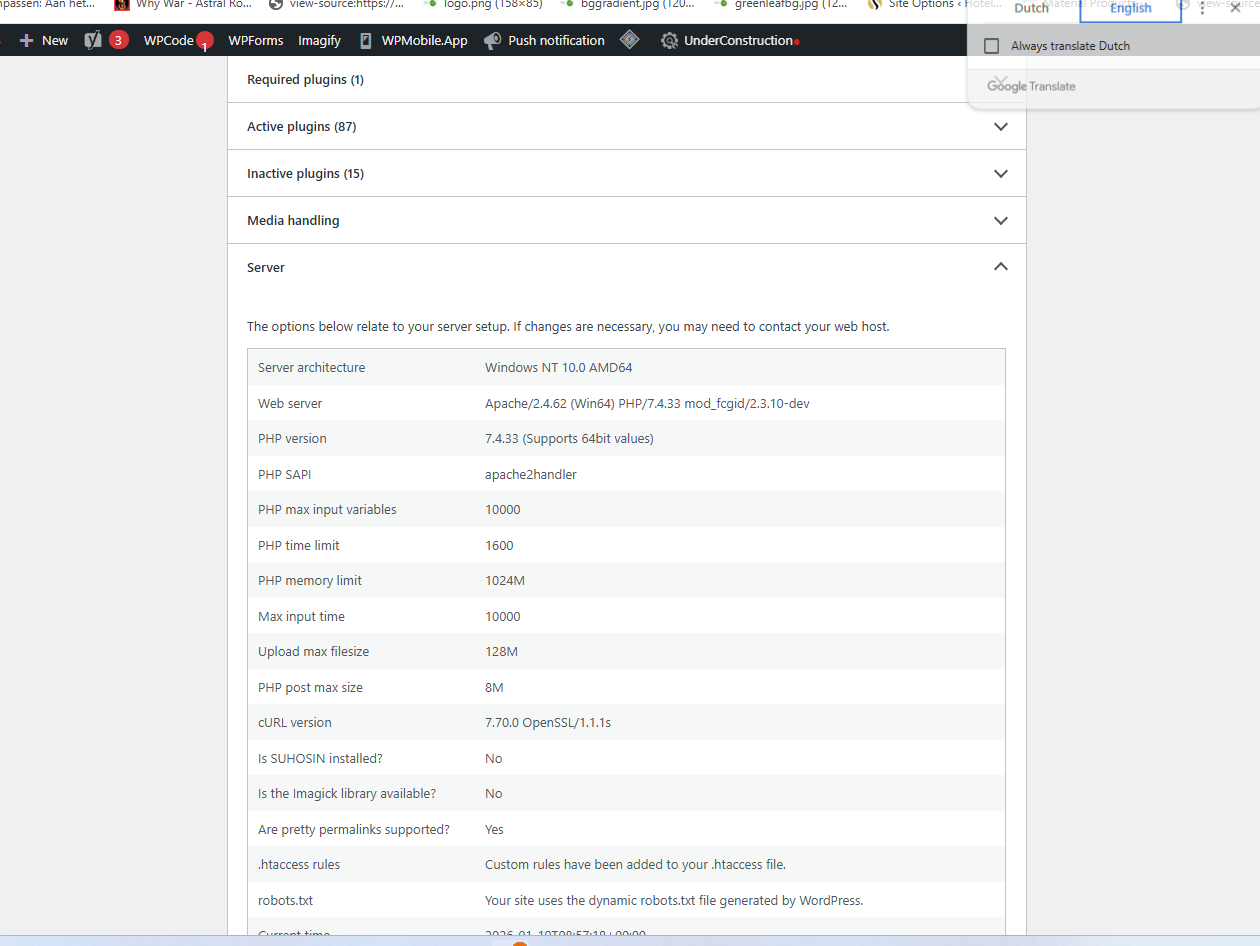
Go to Tools → Site Health
-
Open Info → Server
-
Check PHP version
Step 2: Check Plugin Compatibility
-
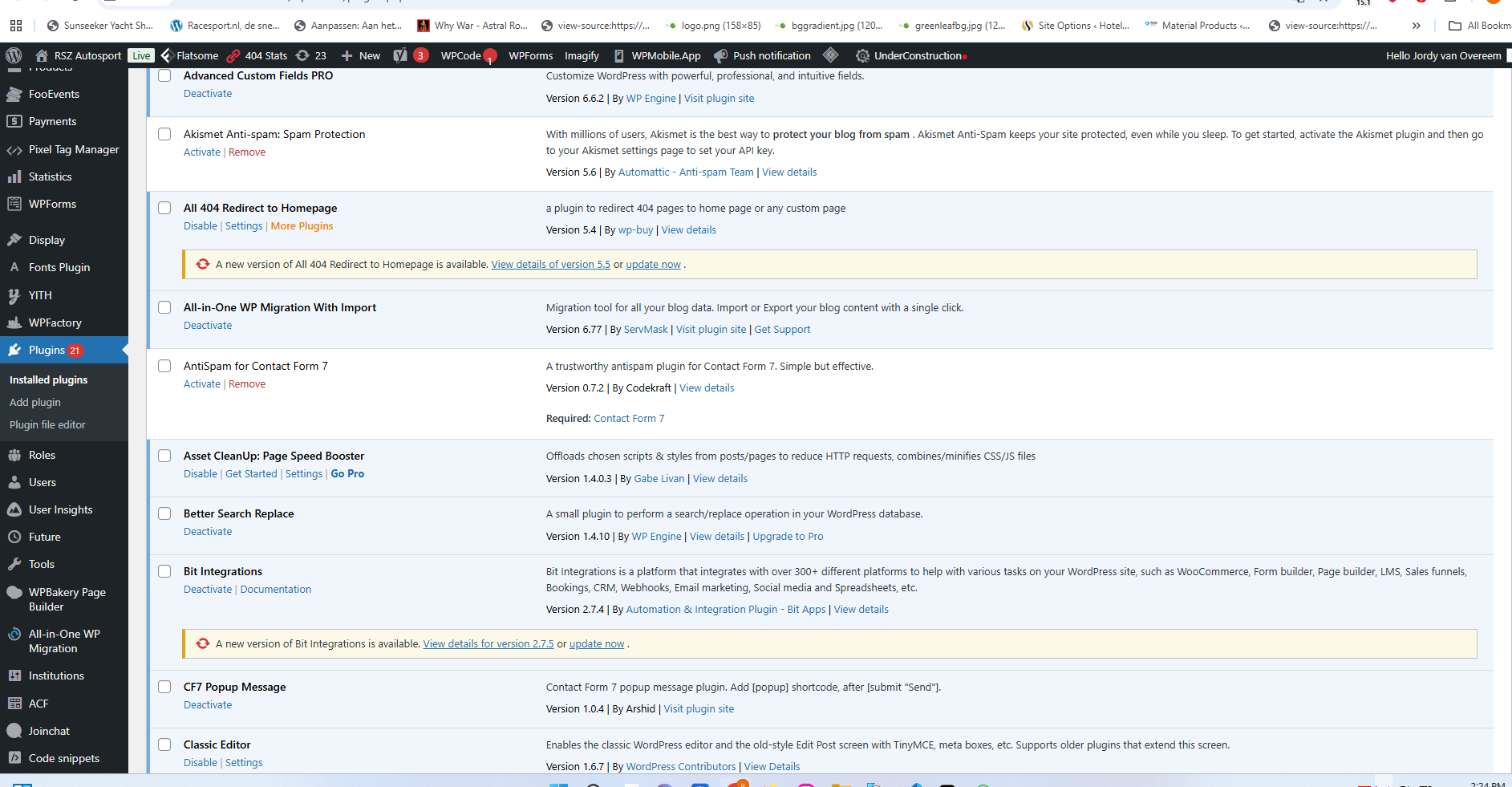
Go to Plugins → Installed Plugins
-
Click View details for each plugin
-
Check “Tested up to PHP” version
-
Update plugins if required
Step 3: Check Theme Compatibility
-
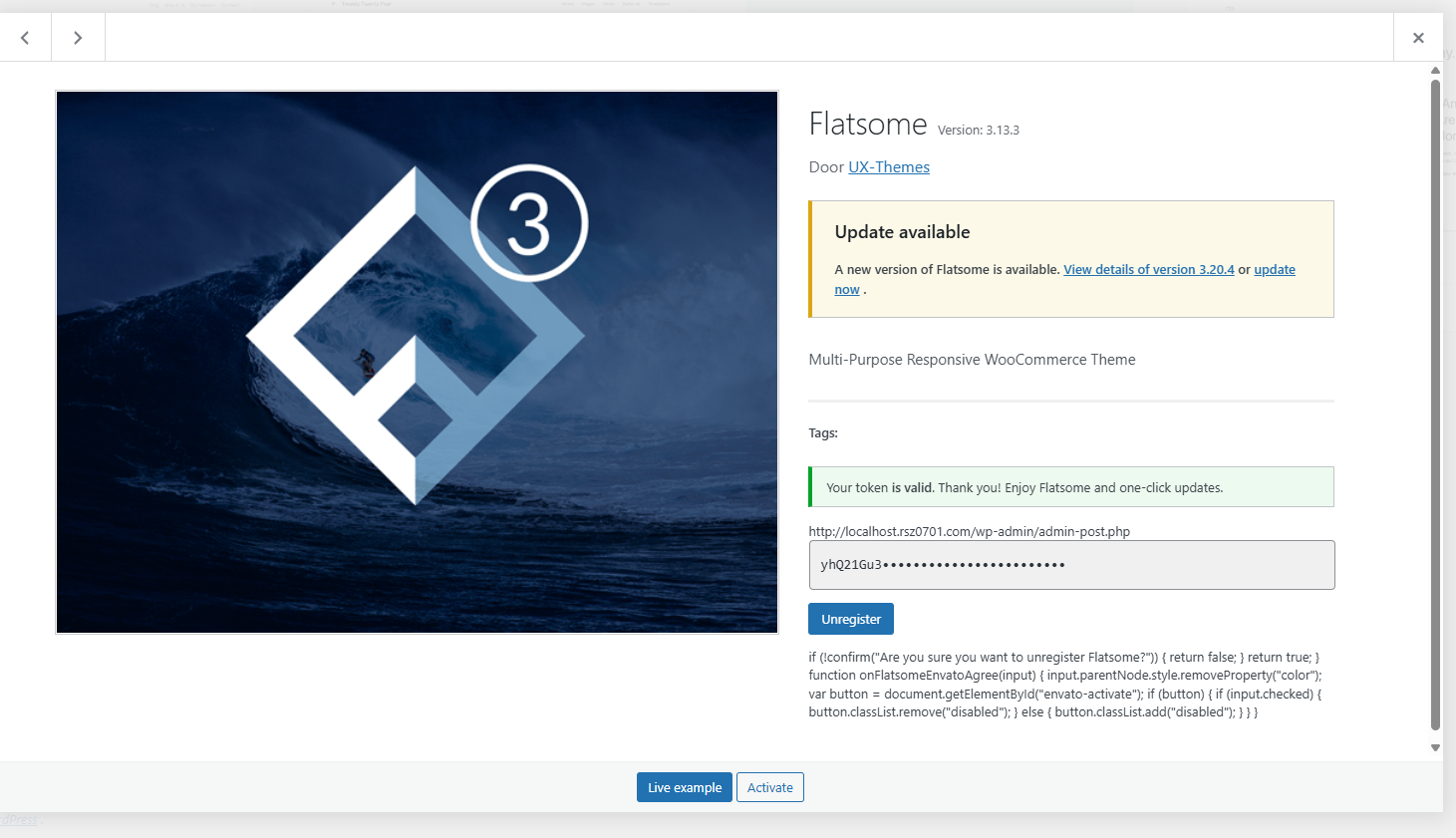
Go to Appearance → Themes
-
Open theme details
-
Verify PHP and WordPress compatibility
-
Update theme if available
Step 4: Check WordPress Core Compatibility
-
Go to Dashboard → Updates
-
Make sure WordPress core is updated
-
Check required PHP version in Site Health
Step 5: Test on Higher PHP Version (Optional)
-
Switch PHP version from hosting panel
-
Check site frontend & admin
-
Fix errors if any