Export Site Backup (All-in-One WP Migration)
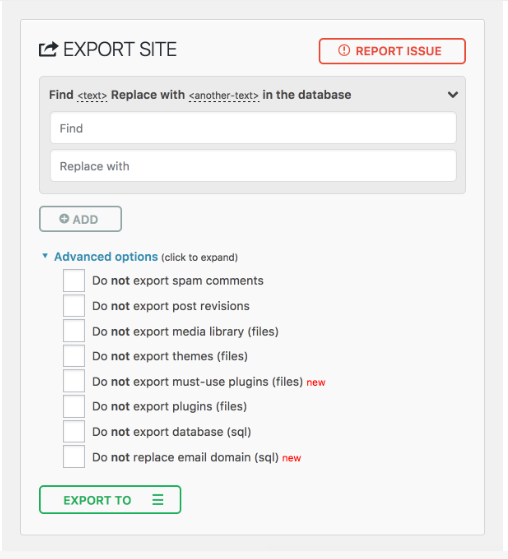
1. Go to All-in-One WP Migration → Export
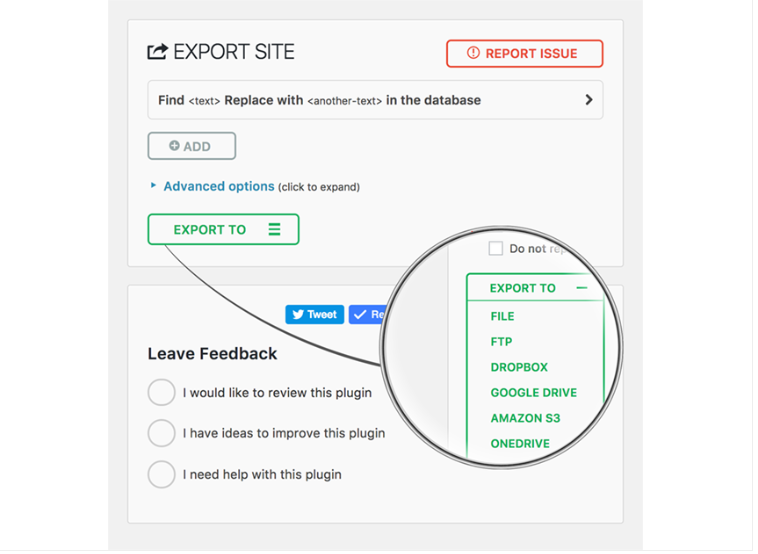
2. Click Export To
3. Select File (or any other option like FTP, Google Drive, etc.)
4. Download the .wpress backup file
Export Site Backup (All-in-One WP Migration)
1. Go to All-in-One WP Migration → Export
2. Click Export To
3. Select File (or any other option like FTP, Google Drive, etc.)
4. Download the .wpress backup file